HOW TO: Sign Up for Elevate Events
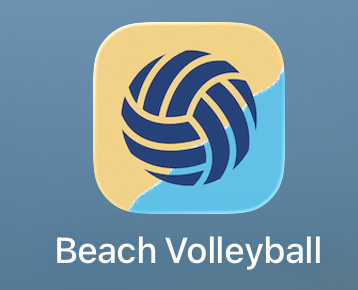
Elevate SWFL uses the Beach Volleyball App for all event signups.
Yes, the app is called Beach Volleyball, but Elevate uses it for all sports and events, including volleyball, basketball, soccer, scrambles, leagues, and tournaments.
Step 1: Download the App
This cannot be completed on desktop. Download the mobile app first.
Apple: https://apps.apple.com/us/app/beach-volleyball/id1456062875
Android: https://play.google.com/store/apps/details?id=com.kg.beachvolleyball
Step 2: Create Your Login
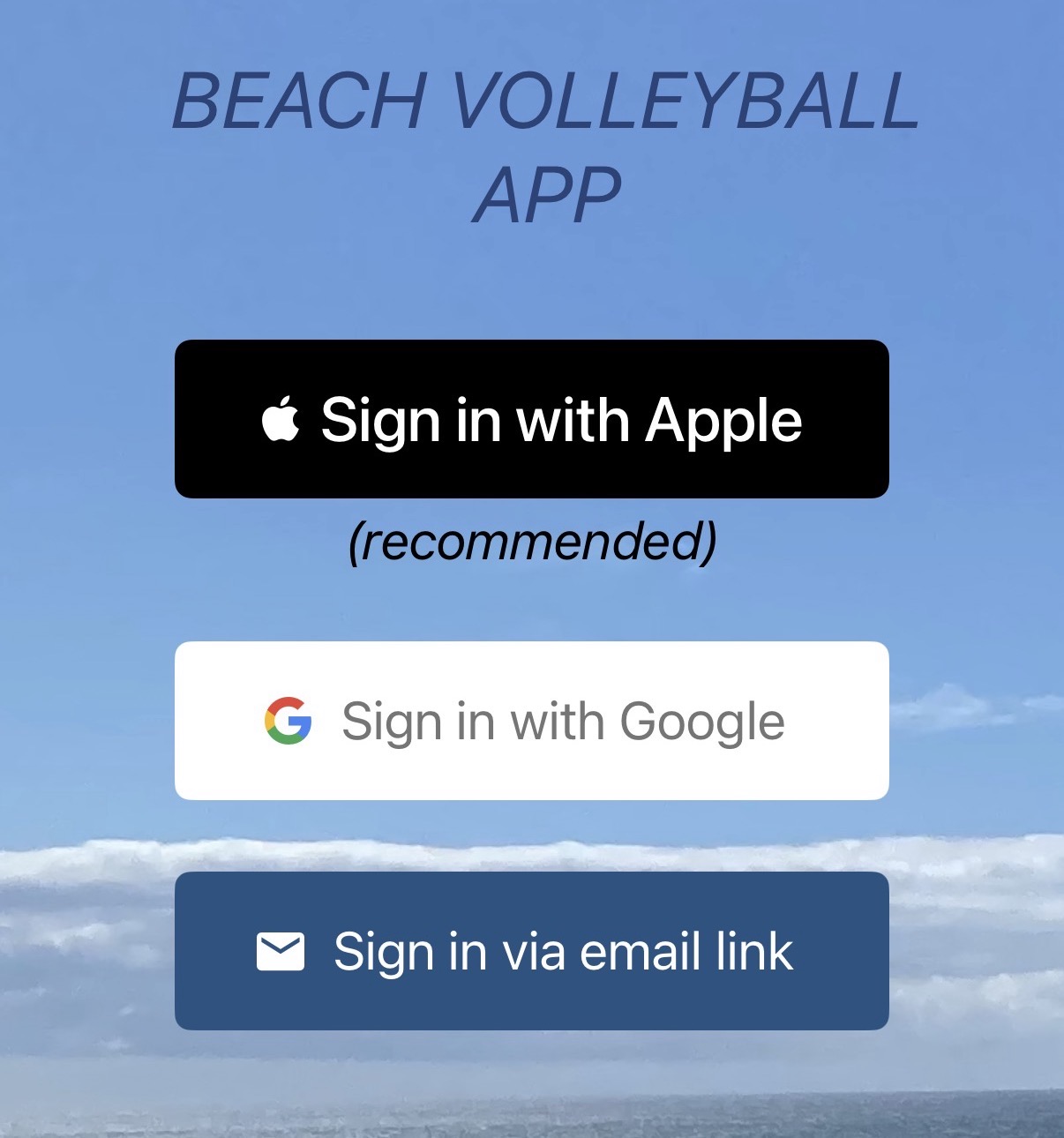
Open the app and choose one of the login options:
Sign in with Apple
Sign in with Google
Sign in via email link
Step 3: Set Up Your Profile
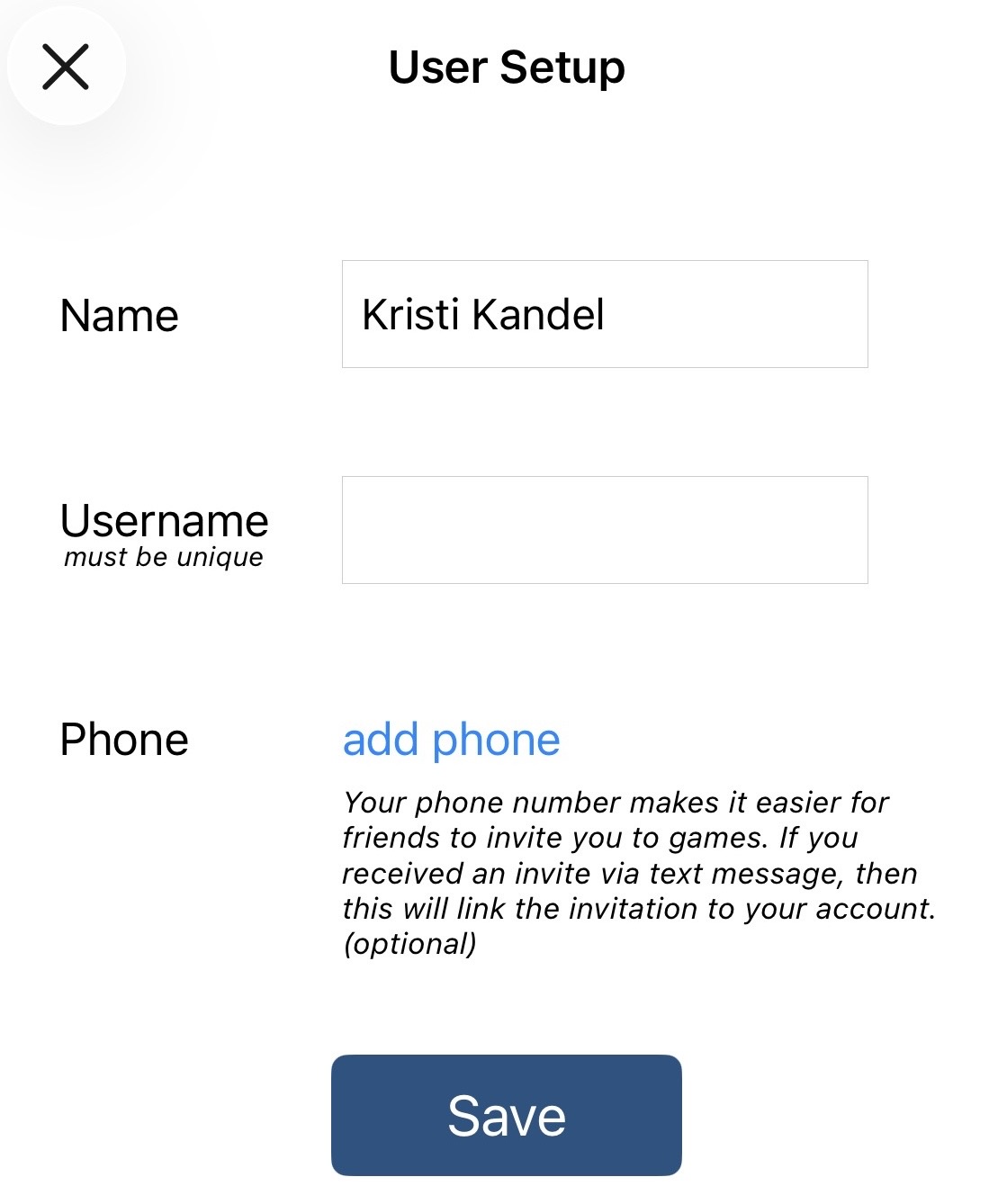
Once you’re logged in, you’ll be asked to complete your profile.
Add your:
Name
Username
Phone number
Your username must be unique.
Step 4: Verify Your Phone Number
Add and verify your phone number.
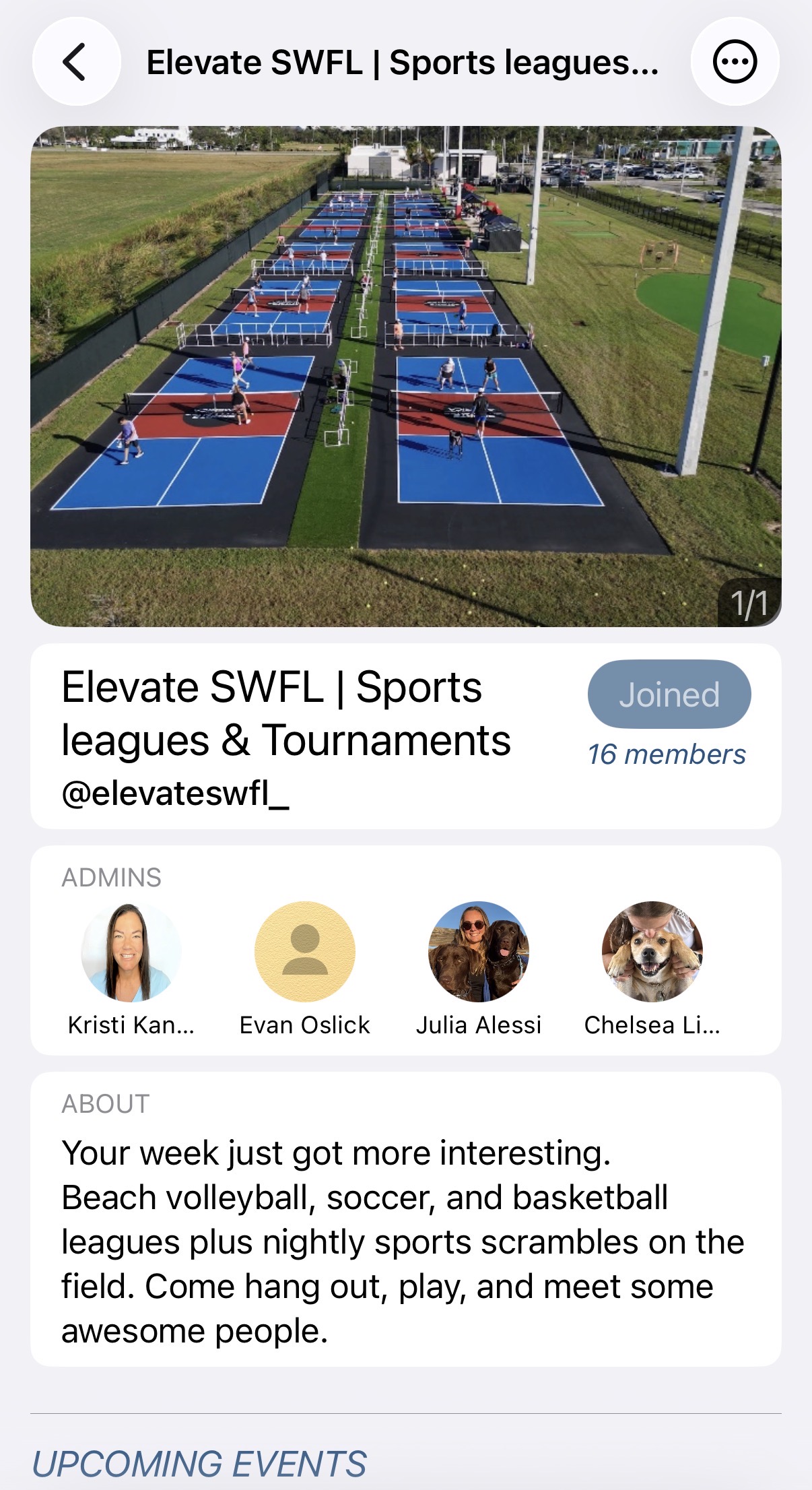
Step 5: Join the Elevate SWFL Group
Inside the app, search for:
Elevate SWFL
Then click Join Group.
Step 6: Start Signing Up
Once you join the Elevate SWFL group, you’ll have access to all Elevate events, including:
Beach volleyball
Basketball
Soccer
Pickleball
Scrambles
Leagues
Tournaments
This is where you’ll register, join teams, sign up as a free agent, and see upcoming events.
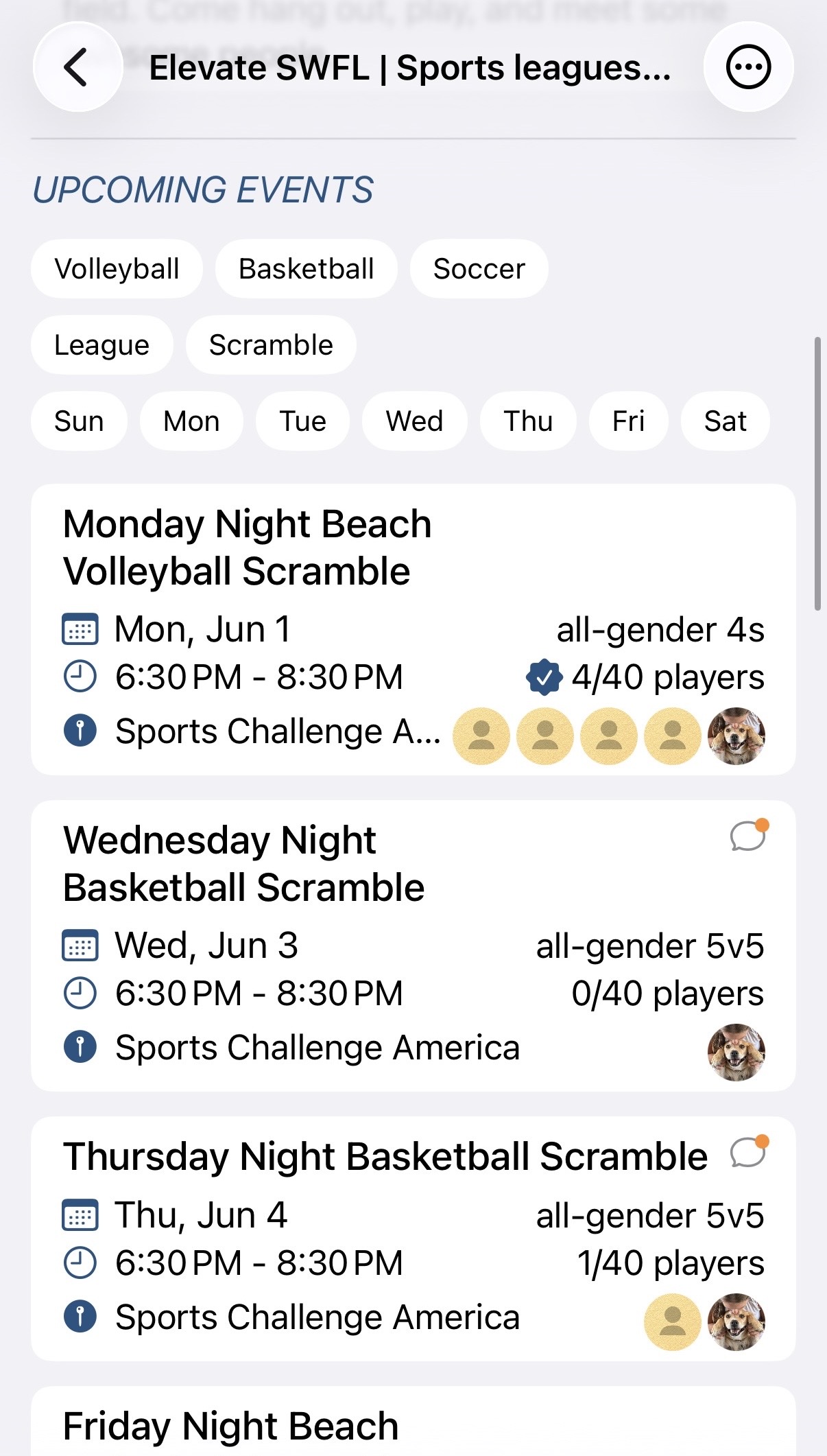
Reminder: Even though the app is called Beach Volleyball, Elevate uses it for all of our sports and community events.
Built by locals. For locals. With locals.
©2025 Elevate. All Rights Reserved.
Elevate SWFL @ Bonita Springs
Address: 28120 Race Track Rd, Bonita Springs, FL 34135